Website Conversion
Why your website gets traffic but generates no customers
Nine common reasons a business website fails to turn visitors into calls, appointments and quote requests.
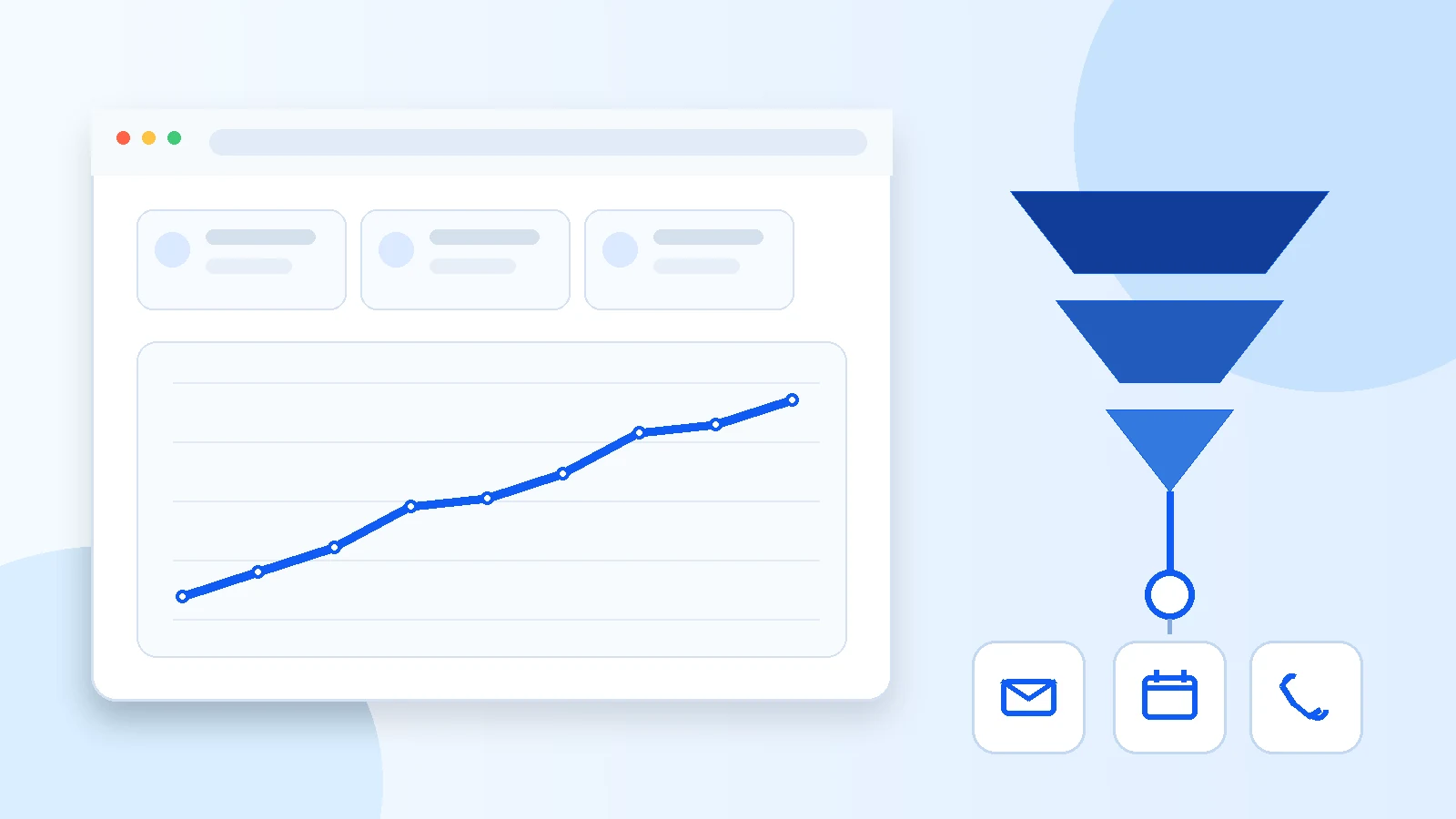
A website can attract visitors without producing a single call. This does not automatically mean the SEO or advertising is poor. It often means the page does not help visitors quickly understand what the company does, why it deserves their trust and what action they should take next.
Conversion therefore starts before the form. It depends on the message, structure, mobile experience, speed, proof and follow-up. The following nine points help diagnose the most common losses.
1. The value proposition is too vague
Visitors should not have to interpret an abstract slogan to understand the offer. The top of the page should name the service, the type of customer served and the desired outcome. A sentence such as “We build websites for small businesses that want more calls and quote requests” provides more information than a generic claim.
The main heading, visible text and page description should tell the same story. Google uses several elements, including titles, visible headings and content, to understand and present a page. This consistency also helps the person who arrived through a specific search.
2. The next action is not obvious
A page that simultaneously asks people to call, download, subscribe, read ten pages and fill several forms creates friction. Each important page should have one primary action: request a quote, book an appointment or call.
The button should explain what happens next. “Book a free consultation” is more precise than “Learn more.” Repeat the action after meaningful information without turning the page into an aggressive wall of buttons.
3. The website lacks proof
Promises alone are not enough. Visitors want to see projects, results, a process, credible testimonials and verifiable contact information. A newer business can start with detailed case studies that describe the initial problem, the decision, the work completed and the outcome.
Place proof near the claim it supports. A relevant project beside a service can be more persuasive than a long logo section at the bottom of the page.
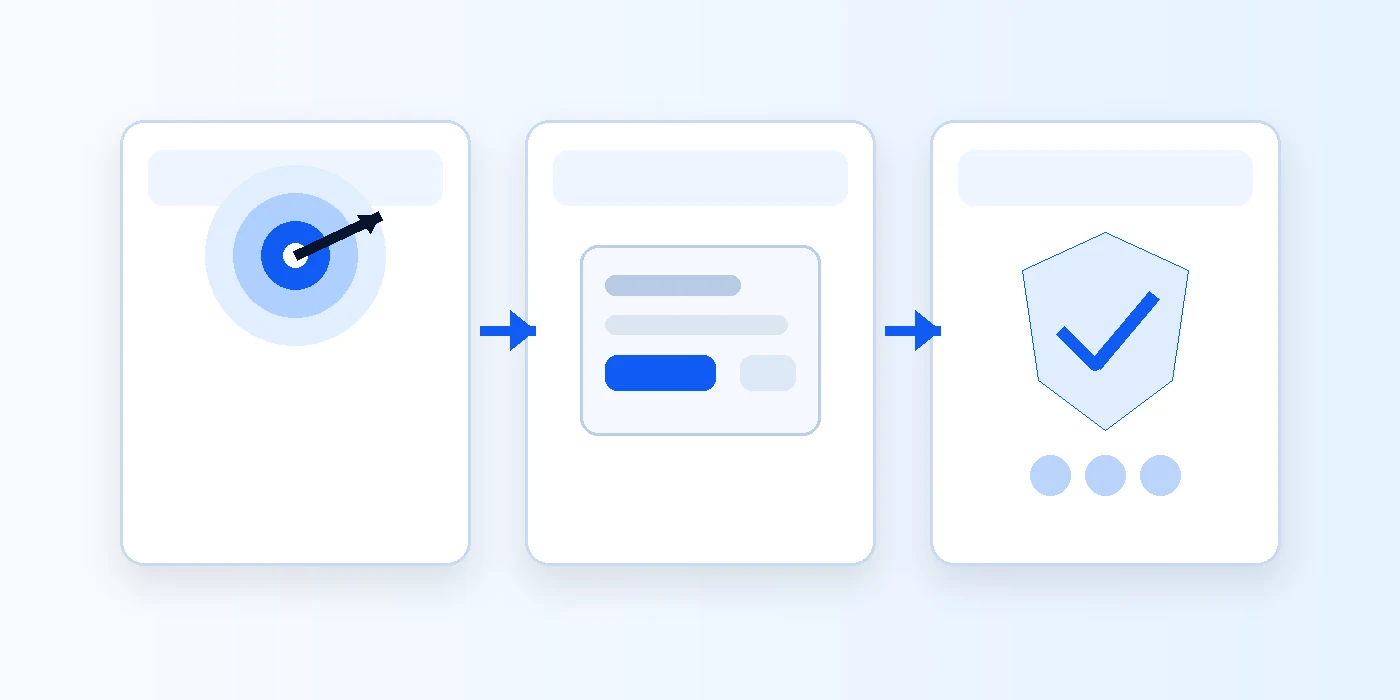
4. The mobile experience creates friction
Google primarily uses the mobile version of content for indexing. More importantly, a potential customer may visit between tasks, on a narrow screen and with limited patience. Cut-off headings, tiny buttons and long forms lose inquiries.
Test the entire journey on a phone: opening the page, reading the message, viewing a project, choosing a time and receiving confirmation. Essential content must remain available on mobile even when the layout changes.
5. The website is slow or unstable
A slow page creates a poor first impression before the company can explain its value. Core Web Vitals evaluate loading, responsiveness and visual stability. Heavy images, unoptimized video or too many scripts can damage the experience.
The goal is not a perfect score for its own sake. Reduce delays that prevent people from reading, clicking or completing a form. Measure on mobile and under realistic network conditions.
6. The form asks for too much
Every field adds effort and another reason to abandon. For an initial discussion, name, email, phone, company and a short note may be enough. Complex details can be collected during the call.
Explain what happens after submission: response time, calendar invitation, call length and whether there is any commitment. This transparency reduces uncertainty and improves lead quality.
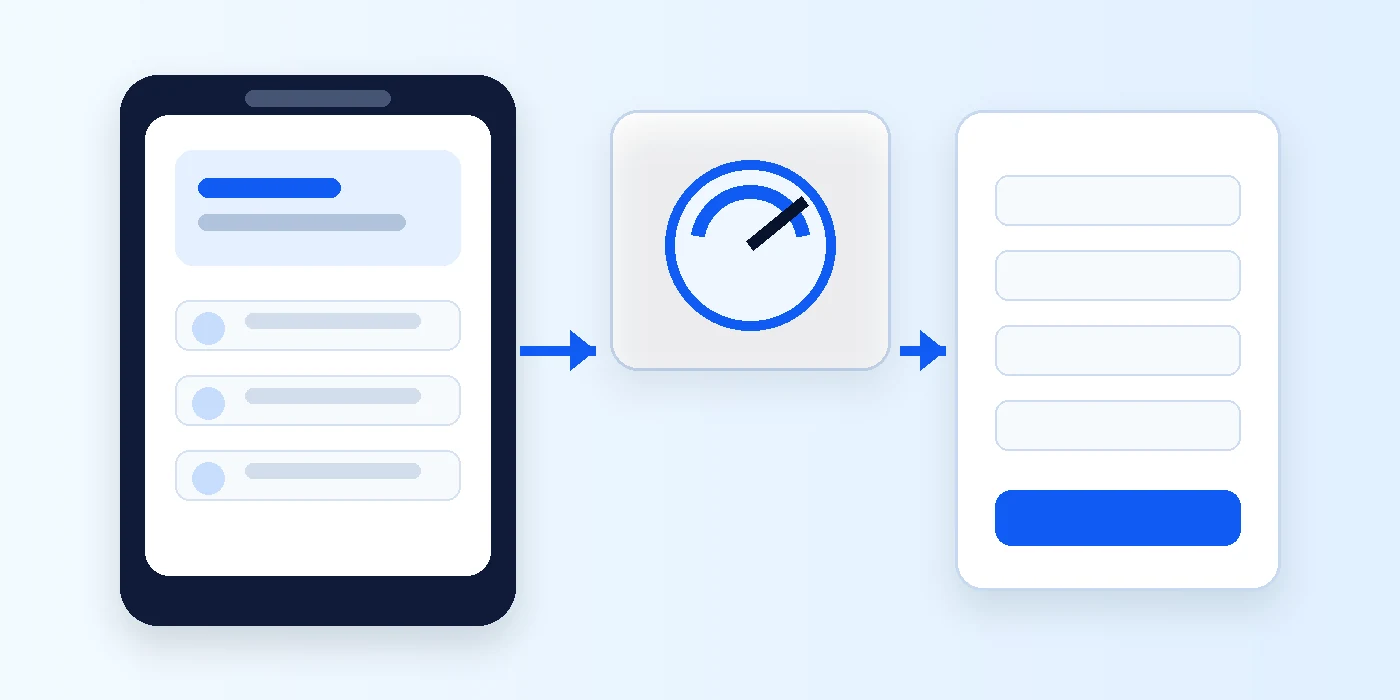
7. The content attracts the wrong people
An article can produce many visits while attracting students, developers or people who are not looking for a service. Useful traffic reflects commercial intent or a real question from the target customer.
A strong editorial calendar connects every article to a problem the business can solve. The content should provide a complete answer and then offer a relevant next step without forcing a sale.
8. Analytics does not measure business outcomes
Page views are not the goal. For a service website, important events include submitted forms, confirmed appointments, phone clicks and email clicks. Google Analytics recommends generate_lead when someone submits a form or request for information.
Once events are configured, compare landing pages, traffic sources and devices. You can then distinguish a traffic problem from a conversion problem.
9. The company responds too slowly
Even an excellent website cannot compensate for delayed follow-up. Immediate confirmation reassures visitors, but a fast human response remains decisive. Define who receives the request, how it is qualified and how quickly it is followed up.
The website and sales process form one system. Improving the design without improving lead response limits results.
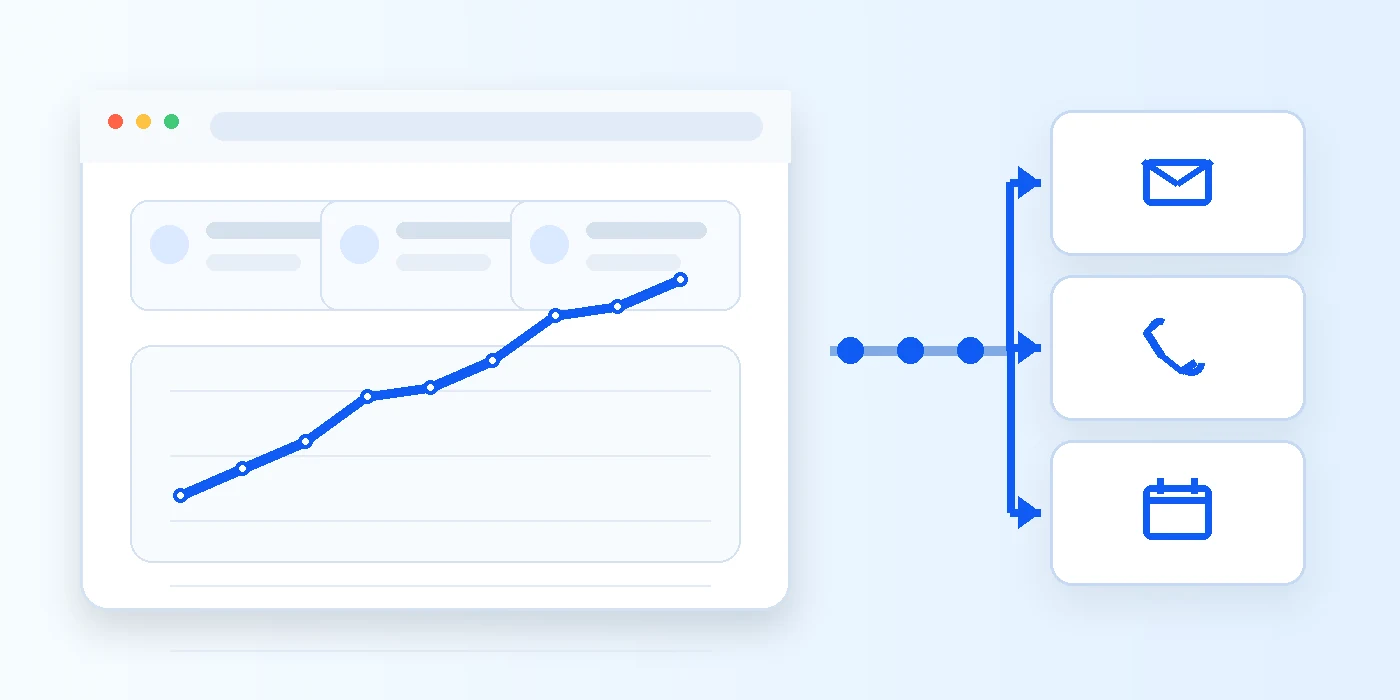
A 30-minute action plan
Open the home page on a phone and ask whether someone understands the offer within five seconds. Then check whether they can see proof, find an action button, complete the form and receive confirmation without confusion.
Finally, open Analytics and confirm that real inquiries are measured. Fix the most obvious blockage first, then compare results for several weeks before changing many elements at once.
Frequently asked questions
How many visitors are needed before evaluating conversion?
There is no universal threshold. With limited traffic, also review qualitative behaviour, clicks and abandonment. Avoid conclusions after only a handful of visits.
What is the best call to action for a service website?
The action that matches the real sales process: book an appointment, request a quote or call. The text should clearly explain what happens after the click.
Does the entire website need to be rebuilt?
Not always. Start with the main message, mobile journey, proof and form. A full redesign becomes appropriate when the existing structure prevents those improvements.
Sources consulted
- Créer des contenus utiles, fiables et people-first — Google Search Central
- Indexation orientée mobile : bonnes pratiques — Google Search Central
- Web Vitals — web.dev
- Comment générer plus de prospects sur votre site Web — Google Analytics Help
- Événements recommandés GA4 — Google Analytics Help
Research and writing assisted by artificial intelligence using the cited sources. Published by Ton Premier Site Web.
Want your website to generate more inquiries?
Book a free discussion about your website, visibility and conversion goals.
Book an appointment