Website redesign: signs it is time to rebuild
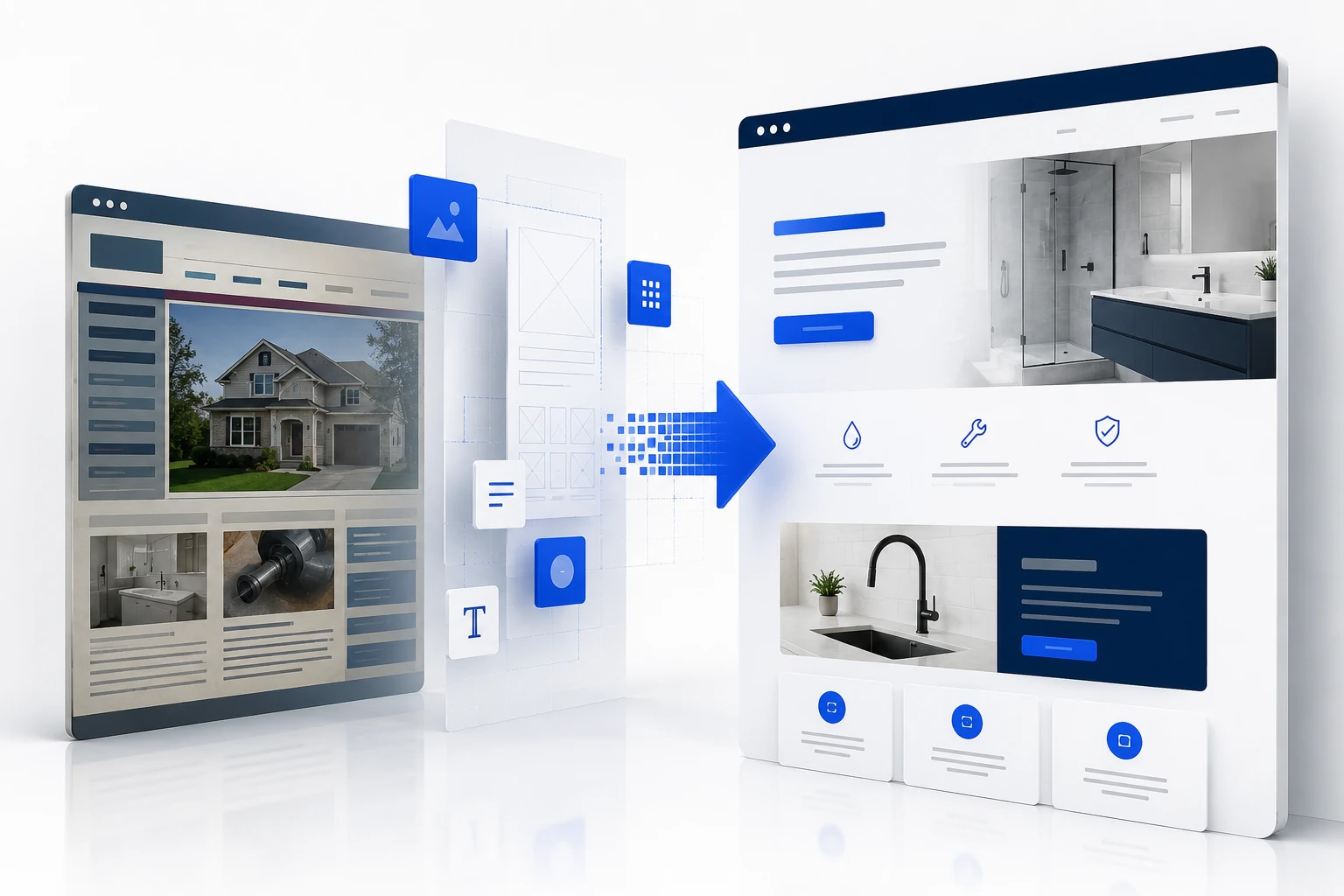
How to determine whether a website can still be improved or whether a full rebuild is now more efficient, secure and coherent.
Rebuilding an entire website requires time, budget and carries disruption risk. A redesign should not begin only because the colours feel old. Many problems can be fixed in stages, including the main message, images, speed, forms, service pages and conversion measurement.
A rebuild becomes logical when the foundations prevent those improvements or when every small correction creates another problem. The signs below help separate normal maintenance from a project that deserves a structured reconstruction.
1. The current offer no longer fits the website structure
Businesses evolve through new services, new territories, different customers and more complex sales processes. When pages are added without an overall architecture, the menu becomes confusing and content begins to repeat. Visitors can no longer identify which page matches their need.
A redesign becomes appropriate when the new offer requires a different hierarchy: distinct service pages, areas served, case studies, booking, resources and journeys for different customers. Changing copy alone is not enough when the structure still describes the old business.
2. Visual changes do not solve the conversion problem
A new logo, modern colours or animations may improve first impressions, but they do not fix vague messaging, weak proof or a poorly placed form. When several cosmetic changes have been made without improving inquiries, the complete journey needs to be reviewed.
The redesign should begin with commercial actions: call, book, email or request a quote. Every important page needs a defined role in that journey. Design then supports understanding, confidence and the next step.
3. Mobile can no longer be fixed cleanly
Google uses the mobile version of content for indexing. A website that maintains separate desktop and mobile blocks, hides important content or relies on fixed dimensions becomes difficult to maintain. Each change can then break another screen size.
A responsive rebuild can reduce this debt through equivalent essential content, flexible components, adapted images and navigation designed for narrow screens. The case for a redesign is particularly strong when forms, menus or buttons remain difficult to use after several patches.
4. Performance declines with every addition
Core Web Vitals measure primary loading, responsiveness and visual stability. An older website may accumulate scripts, styles and images that are no longer used. Individual pages can still be improved, while optimizing the entire system becomes difficult because dependencies are unclear.
A redesign creates an opportunity to start with a clear inventory, optimized images, less unused code and a performance budget. It is justified only when a targeted cleanup cannot produce the same outcome with less risk.

5. Forms and privacy were added as afterthoughts
In Quebec, collecting personal information through a website requires careful handling. The Commission d’accès à l’information states that a privacy policy needs to be accessible when information is collected through technological means. Collection purposes, connected services, consent and retention should be coherent.
When a website has several forms built at different times, unknown tracking scripts or no documentation for data handling, a redesign can simplify collection and document the flows. Final legal decisions should be reviewed by a qualified resource.
6. Accessibility cannot be improved without rebuilding components
WCAG 2.2 is the W3C’s current recommendation for making web content more accessible. Common issues include insufficient contrast, incomplete keyboard navigation, fields without labels, targets that are too small and error messages that are difficult to understand.
Some fixes can be applied locally. A rebuild becomes more efficient when the same defects appear across every button, menu, card and form. Correcting the underlying component then improves all pages at once.
7. The website depends on elements nobody controls
A website becomes fragile when access is lost, accounts belong to a former supplier, files are incomplete or every change requires one specific person. Before redesigning, inventory domains, email, hosting, data, forms, measurement tools, scripts and external services.
The new project should define account ownership, backups, documentation and update procedures. A redesign that replaces one unknown dependency with another does not reduce risk.
8. URLs and search visibility need protection during the redesign
A redesign can change titles, content and sometimes URLs. Google recommends mapping old addresses to new ones, using permanent redirects when URLs change, updating links and sitemaps, then monitoring crawling and traffic.
Avoid changing the domain, every URL, hosting, content and structure at the same time without a plan. Google recommends separating significant changes where possible. Keeping useful URLs often reduces risk and simplifies the transition.

9. Maintenance now costs more than rebuilding
Add the hours spent each month working around limitations: fixing displays, recreating the same content, repairing forms, handling incompatibilities or explaining a confusing structure. When those efforts do not create durable improvement, the hidden cost becomes significant.
A rational decision compares two scenarios over twelve to twenty-four months: continuing to patch or rebuilding on a documented foundation. A redesign is justified when the second scenario reduces risk, accelerates improvement and supports business goals more effectively.
Plan the redesign without losing what already works
Before removing anything, export analytics, list pages that receive traffic, identify forms that produce inquiries and preserve successful content or URLs. A redesign is not a blank page; it is a reconstruction informed by the useful parts of the old website.
Then work in stages: goals, inventory, architecture, mockups, content, development, testing, redirects, launch and monitoring. This sequence reduces improvised decisions and makes it easier to compare the old and new journeys.
A practical next step
Your website gets traffic, but not enough customers?
Ton Premier Site Web can review your message, navigation, mobile experience, forms and conversion tracking to identify what is limiting your inquiries. Book a free website review and receive recommendations adapted to your business.
Frequently asked questions
After how many years should a website be rebuilt?
There is no fixed age. An older website can remain effective when maintained. A redesign becomes appropriate when structure, performance, mobile, compliance or business goals can no longer be improved efficiently.
Can a business redesign only the home page?
Yes, when other pages and the technical foundation remain solid. A new home page will not fix inconsistent forms, navigation, URLs or service pages.
Can a redesign reduce search visibility?
It can create fluctuations, especially when URLs and content change. An inventory, URL mapping, permanent redirects, an updated sitemap and monitoring reduce the risk.
Sources consulted
- Mobile-first Indexing Best Practices — Google Search Central
- Web Vitals — web.dev
- Guide explicatif pour rédiger une politique de confidentialité — Commission d’accès à l’information du Québec
- Web Content Accessibility Guidelines (WCAG) 2.2 — World Wide Web Consortium
- Site Moves and Migrations — Google Search Central
Research and writing assisted by artificial intelligence using the cited sources. Published by Ton Premier Site Web.